8 Free AI Writing Tools for Technical Founders Who Hate AI Slop (2026)

Founder and CEO of Ozigi. Writes about content strategy and the architecture of AI tools for technical creators.
TL;DR
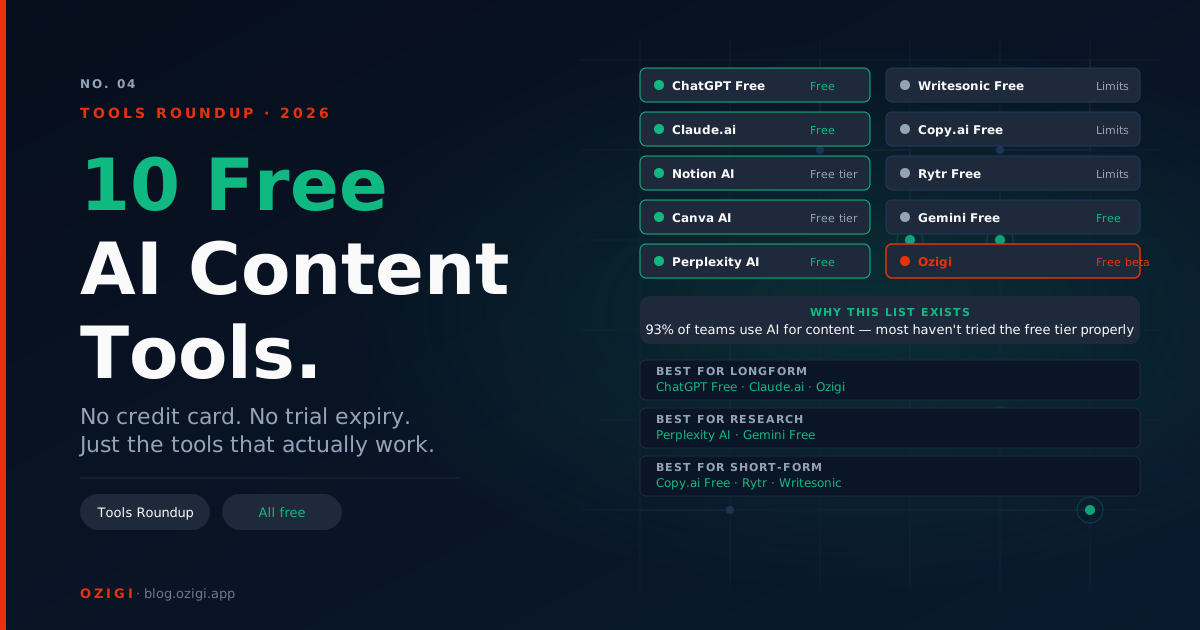
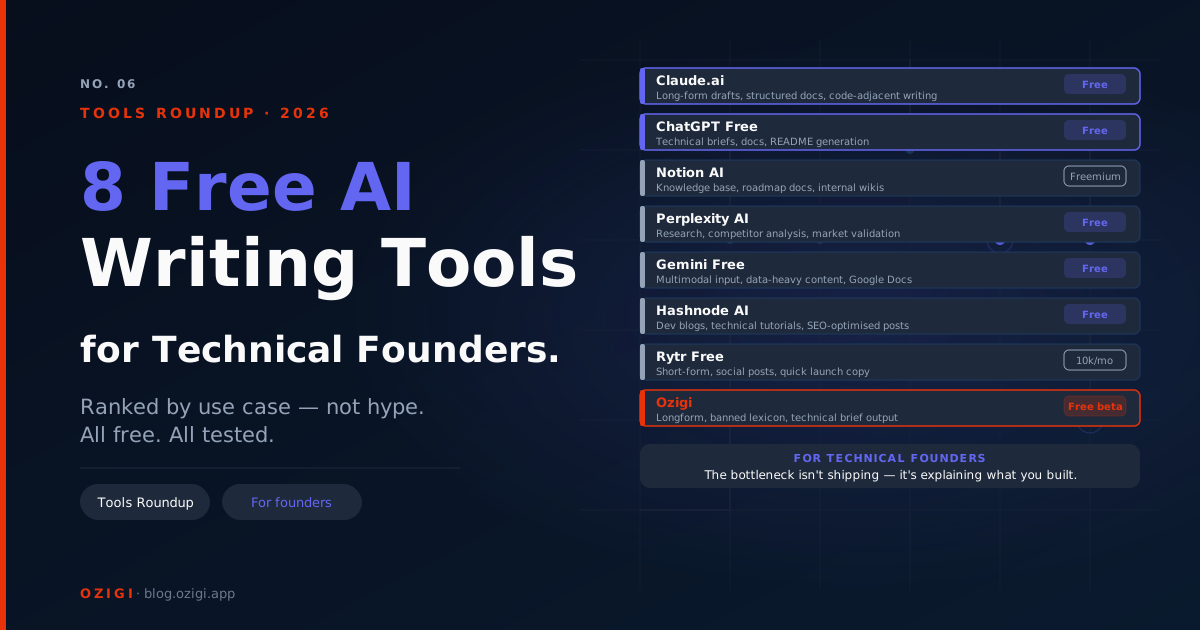
Most "best AI writing tools" lists were written for marketing teams. They recommend Jasper Creator at $39 per month and call it "affordable." Technical founders need a different list. The criteria are different: the output has to read as written by an engineer, the source material is usually a GitHub repo or an architecture decision record rather than a marketing brief, and the budget is a side project's, not a Series A's. This list covers the eight free AI writing tools worth using in a 2026 technical writing workflow. Ozigi leads it for a specific reason: it is the only one built to produce technical writing that does not read as AI on first pass.
Why Technical Founders Need a Different List
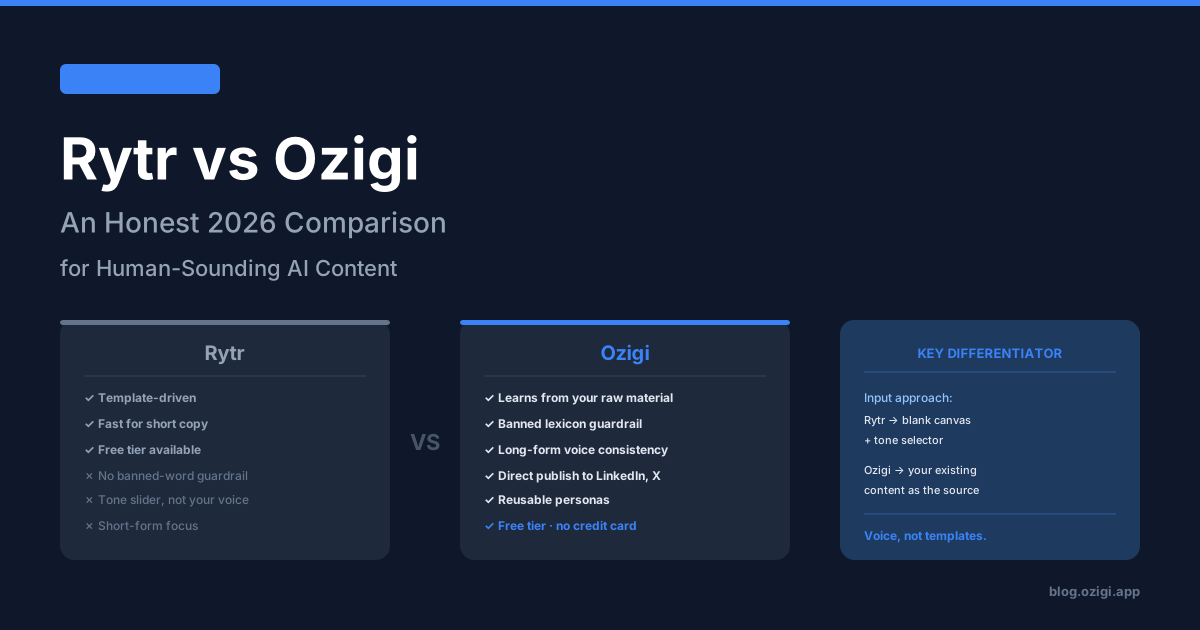
The AI writing tools marketed at marketing teams (Jasper, Copy.ai, Writesonic, Hootsuite OwlyWriter) optimize for marketing output. The vocabulary, sentence rhythm, and structure all reflect that target. When a technical founder runs an architecture decision through one of these tools, the output reads as a marketing pitch about the architecture, not as engineering writing.
The deeper problem is signal. Marketing tools default to taking a prompt or topic and producing content. Technical writing starts from material: a GitHub commit history, a production incident timeline, a benchmark table, an actual codebase. The right AI tool meets the material where it is rather than asking you to translate it into a marketing brief first.
The third constraint is cost. A technical founder running a side project, building in public, or doing DevRel for an early-stage company is not approving $200 per month for AI tools. The free tier matters, and it has to be genuinely free, not trial-as-free.
This list applies those three constraints. The pricing was verified in May 2026.
1. Ozigi (Free, No Credit Card, Built for Technical Writing)
What it does: Takes raw technical signal (URLs, PDFs, podcast transcripts, code repositories, scattered engineering notes) and produces content shaped by a persona-driven voice profile with banned vocabulary enforced at the API layer. Native technical brief format that preserves specificity.
Why it leads: Ozigi is the only tool on this list built explicitly to avoid the AI slop vocabulary that marketing-tuned models default to. The banned lexicon validator blocks tokens like "robust," "seamless," "delve," and "leverage" at the API level. The team open-sourced the architecture and logs lexicon violations as production telemetry.
Free tier reality: No credit card. The unauthenticated path at ozigi.app generates a campaign without signup. Premium features (persona management, history, Discord publishing) require paid plans. The free generation tier is the core product.
Where it runs out: Single-user today. No team workflows yet. The codebase is open source at github.com/Ozigi-app/OziGi if you want to self-host or contribute.
Best for: DevRel content, architecture decision records reframed for a public audience, post-incident writeups, engineering retrospectives, technical comparison pieces.
2. Claude Free Tier (Anthropic)
What it does: Conversational AI with a 200,000-token context window, code analysis, and longform reasoning.
Why it's on the list: Claude's longer context window is the deciding factor for technical writing. You can paste an entire codebase, a long incident timeline, or a research paper and get coherent analysis without chunking. ChatGPT's free tier has lower context limits that force you to summarize before analyzing.
Free tier reality: Daily message caps that reset after a few hours. Claude Pro is $20 per month.
Where it runs out: No persona system, no banned vocabulary, no direct publishing. The output is good Claude default, not your specific voice.
Best paired with: Ozigi for voice consistency, Claude for one-off reasoning tasks and document analysis.
3. ChatGPT Free Tier
What it does: General-purpose AI with GPT-4o access, web browsing, file uploads, and DALL-E 3 image generation on the free tier.
Why it's on the list: For brainstorming, outline generation, and one-off rewrites, ChatGPT free is the most capable free generalist. The web browsing is useful for technical research, and the file upload supports PDFs and code files.
Free tier reality: Usage caps that reset every few hours. Heavy use hits the cap within an afternoon. Plus is $20 per month.
Where it runs out: Brand voice is nonexistent. Output reads as default ChatGPT vocabulary unless you spend significant time on prompt engineering. No technical writing optimization.
Best for: Quick brainstorming, fast rewrites, code explanation tasks, and one-off translation work.
4. GitHub Copilot Free Tier
What it does: AI code completion inside your editor with limited free usage.
Why it's on the list: Technical writing often blurs into technical documentation. Copilot helps inside README files, API documentation comments, and inline code documentation in ways that general AI writing tools cannot.
Free tier reality: Limited monthly completions on the Copilot free tier (introduced in late 2024). Pro is $10 per month and lifts the limits.
Where it runs out: Copilot is not a longform writing tool. It is a code-context tool that produces useful documentation when invoked from inside an editor.
Best paired with: Ozigi for longform technical content, Copilot for in-editor documentation.
5. Mintlify (Free Tier for Documentation Sites)
What it does: Modern documentation hosting with Markdown-based authoring, components for API references, and AI-assisted writing inside the platform.
Why it's on the list: Most technical founders shipping documentation in 2026 have moved off GitBook and Docusaurus toward Mintlify or Fern. Mintlify's free tier hosts open-source documentation sites with full AI features.
Free tier reality: Free for open-source projects. Paid plans for private documentation and team features.
Where it runs out: Free tier is open-source only. Commercial documentation requires paid plans.
Best paired with: Ozigi for content that goes into the documentation, Mintlify for the hosting and structure.
6. LanguageTool (Free Grammar Across Programming Contexts)
What it does: Grammar and spelling correction with browser extensions that work in GitHub, GitLab, Notion, and most web-based code editors.
Why it's on the list: Technical writing is full of code blocks, technical jargon, and command-line syntax that confuses Grammarly. LanguageTool handles technical text more accurately and has a self-hosted option for organizations with strict privacy requirements (medical, financial, defense).
Free tier reality: 20,000 characters per check. Browser extensions for most platforms. Self-hosted version available for free.
Where it runs out: Picky checking, advanced suggestions, and additional languages require Premium at approximately $5 to $7 per month.
Best paired with: Ozigi for generation, LanguageTool as the proofing layer.
7. Buttondown (Free Markdown-First Newsletter, 100 Subscribers)
What it does: Minimalist Markdown-first newsletter platform with API access, custom domains, RSS-to-email, and webhooks on the free tier.
Why it's on the list: Technical founders writing newsletters often want to script the sending workflow, integrate with CI/CD, or trigger sends from a deployment. Buttondown's API access on the free tier and Markdown-first editor make it the natural fit for developers.
Free tier reality: 100 subscribers, full feature access including API and webhooks. Paid plans from $9 per month.
Where it runs out: At 100 subscribers, you upgrade or migrate. Most technical founders cross that line within the first three to six months of consistent publishing.
Best paired with: Ozigi for newsletter writing, Buttondown for sending, GitHub Actions for triggering sends from your release workflow.
8. Hemingway Editor (Free Readability Check)
What it does: Highlights hard-to-read sentences, passive voice, and excessive adverbs with color-coded feedback.
Why it's on the list: Engineering writing has a chronic readability problem. Technical accuracy and clarity often trade off, and engineers default to dense, jargon-heavy prose that loses non-technical readers. Hemingway forces a readability check before publishing.
Free tier reality: Web version at hemingwayapp.com is free, unlimited, no signup. Desktop app is $19.99 one-time.
Where it runs out: Hemingway does not catch grammar errors. It is a clarity tool, not a comprehensive proofreader.
Best paired with: Ozigi for writing, LanguageTool for grammar, Hemingway as the final readability pass.
What Free Tools to Avoid as a Technical Founder
Jasper, Copy.ai, Writesonic. Marketing-tuned models. The output of any of these on technical input reads as a marketing pitch about your engineering work. Even when they produce useful drafts, the vocabulary requires extensive editing to sound like engineering writing.
Grammarly free tier. Now capped at 100 words per check. LanguageTool handles technical text more accurately and has higher free-tier limits.
Notion AI free tier. Removed in late 2024. Notion AI now requires a paid add-on at $10 per user per month. The free tier is genuinely empty for AI features.
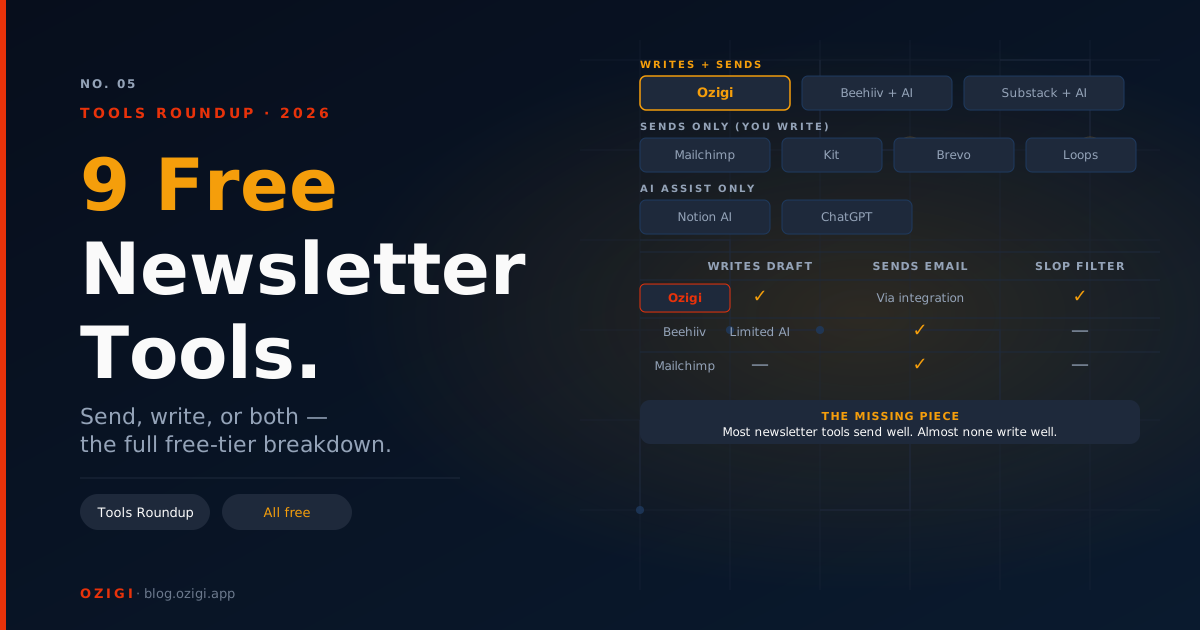
Substack for technical content. Possible but suboptimal. The Markdown support is limited, code blocks render inconsistently, and the platform skews toward general audiences. Buttondown is the better technical-founder fit.
The Recommended Free Stack for Technical Founders in 2026
For a solo technical founder, DevRel engineer, or indie builder running a content operation:
| Layer | Tool | Free Tier |
|---|---|---|
| Content writing (technical briefs, blog posts, threads) | Ozigi | Unlimited, no credit card |
| Document analysis, one-off reasoning | Claude Free | Daily caps |
| In-editor code documentation | GitHub Copilot Free | Limited monthly completions |
| Grammar and spelling | LanguageTool | 20,000 characters per check |
| Readability | Hemingway Editor | Unlimited, no signup |
| Documentation hosting | Mintlify | Free for OSS |
| Newsletter sending (under 100 subs) | Buttondown | 100 subscribers |
| Quick brainstorming | ChatGPT Free | Usage caps |
Total cost: $0 per month. Total surface coverage: technical blog posts, newsletters, documentation, social threads, in-editor docs.
The honest upgrade triggers for technical founders:
- Ozigi paid tier: when you want persona management across multiple personas (your personal voice plus a company voice)
- Buttondown paid: when you cross 100 newsletter subscribers
- Claude Pro ($20/mo): when you analyze long documents daily
- GitHub Copilot Pro ($10/mo): when you hit the free completion limit consistently
Most technical founders building in public can run this entire stack for free for the first year.
A Concrete Workflow Example
Say you just shipped a new feature and you want to write about it.
- Capture the material: export the relevant GitHub commits, paste the architecture decision record, save the production telemetry screenshots.
- Generate the longform draft in Ozigi's free long-form generator using the technical brief format. Drop in the GitHub URL and the architecture notes. The persona shapes the output as engineering writing, not marketing copy. The banned lexicon strips out "robust," "leverage," and "seamless."
- Use Claude Free to review for technical accuracy. Paste the draft and the source material. Claude flags discrepancies and suggests corrections.
- Run the draft through LanguageTool for grammar.
- Final readability pass in Hemingway. Simplify the sentences that flag as hard or very hard to read.
- Publish: social posts to X and LinkedIn directly from Ozigi, longform via Ghost or Mintlify, newsletter via Buttondown.
Total time: under three hours from "I want to write about this" to "I just published." Total cost: zero.
FAQ
What is the best free AI writing tool for technical content in 2026? Ozigi, because it is the only tool with banned vocabulary enforcement at the API level and the only one designed around technical brief generation. Claude Free is a strong secondary tool for reasoning and analysis tasks.
Is Ozigi really free for technical writing? Yes. The free tier requires no credit card and the unauthenticated path lets you test the technical brief format without signing up. Paid plans add features like persona management, history, and Discord publishing.
Why is GitHub Copilot not enough on its own? Copilot is a code-completion tool. It does not write longform technical content, blog posts, or newsletters. It complements a writing tool inside the editor for documentation, but it does not replace one for content that lives outside the codebase.
Can I use Ozigi to write API documentation? Yes, especially for the longform parts of API documentation (overviews, conceptual explanations, getting-started guides). For the structured reference parts (endpoint tables, parameter lists, error codes), Mintlify or Fern is the better fit. The two pair naturally.
Does Ozigi understand code? Ozigi accepts URLs (including GitHub repositories), PDFs, and text input. The model references the actual content rather than producing placeholder code. For deeply code-specific reasoning, Claude Free or ChatGPT Free with code interpreter is the better pair.
What is the cheapest way to ship a technical newsletter in 2026? Ozigi free tier for writing plus Buttondown free tier for sending. Total cost: zero, up to 100 subscribers.
Should I use Notion AI for technical writing? Not really. Notion AI removed from the free tier in late 2024 and now requires a $10 per user per month add-on. The output quality is similar to ChatGPT Free, which is genuinely free.
Is the Ozigi codebase open source? Yes, on GitHub at Ozigi-app/OziGi. The banned lexicon validator and persona system are documented on the Ozigi blog.
This article was generated and refined on Ozigi. Try the free long-form article generator yourself — no signup required.
About the author
Founder and CEO of Ozigi. Writes about content strategy and the architecture of AI tools for technical creators.